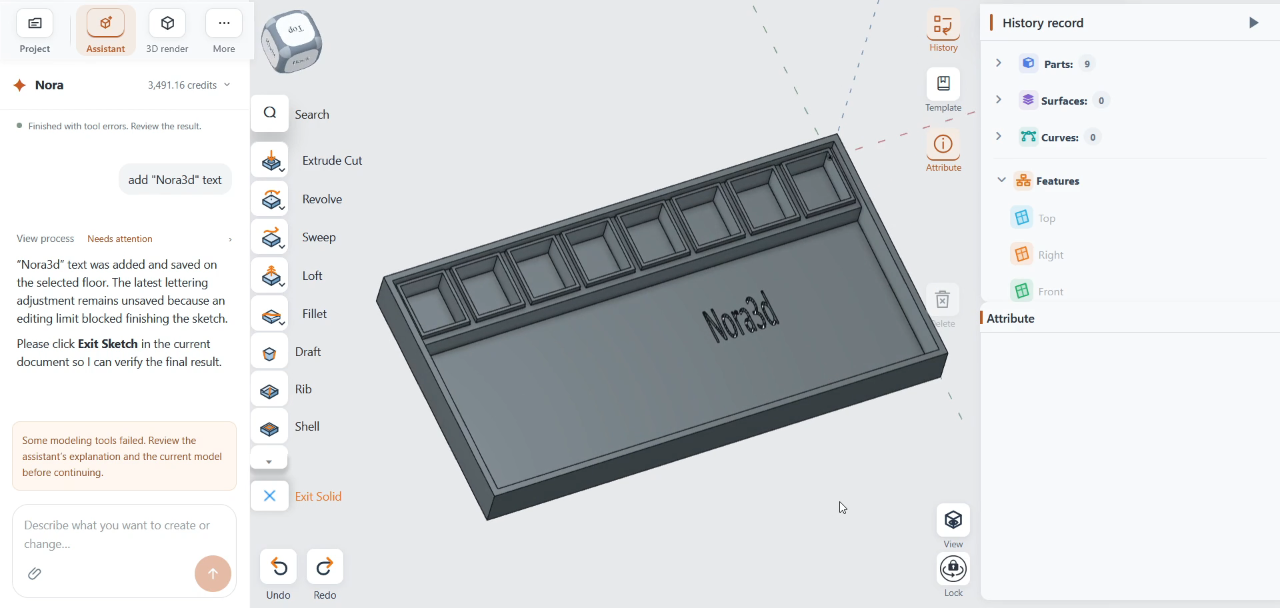
How to Build Editable CAD Templates for Personalized and Multicolor 3D Prints
Learn how to keep text, dimensions, colors, and print features editable in a repeatable CAD workflow - and where text-to-CAD can reduce rework.
Nora3d Blog: Industry perspectives and practical guides for AI-powered CAD design.
Learn how to keep text, dimensions, colors, and print features editable in a repeatable CAD workflow - and where text-to-CAD can reduce rework.
For 3D printing, the best text-to-CAD workflow usually needs editable CAD plus printable mesh output. Learn when to use STEP, STL, and 3MF, and where Nora3D fits.
For 3D printing, the best text-to-CAD workflow creates editable parametric CAD, not just a one-shot STL. Learn how AI CAD fits with OpenSCAD, build123d, Shapr3D, Onshape, and Fusion.
SolidWorks and Fusion 360 often take months before you can model confidently. AI CAD tools let you describe a part in text and get an editable STEP file in seconds.
Choosing the right 3D modeling software for printing? We compare mesh tools, parametric CAD, and AI-powered options — with a handy comparison table.
Need CAD on your phone or tablet? We review Shapr3D, Onshape, Fusion 360 Mobile, and AI-powered Nora3d — with platform support and a comparison table.
AI CAD tools are multiplying. This guide focuses on what actually matters — output format (mesh vs. STEP), editability, and export — so you can choose with confidence.
Software already vibe-codes with compile and test. CAD needs natural language → modeling intent → executable geometry → kernel solids → verification → editable output. Nora3d is native AI CAD, not chat bolted onto traditional CAD.
A user-centric look at the AI CAD wave: pain points of traditional CAD, different approaches (Nora3d, Zoo, Leo AI, MacAgent), and how to choose objectively with a small side-by-side project test.