When a display layout changes, the enclosure around it may still be useful. In this Nora3D design study, we widened the display cutout from 64 to 84 mm by editing its two side faces. The opening stayed 24 mm high, and the surrounding button holes and mounting details stayed in place.
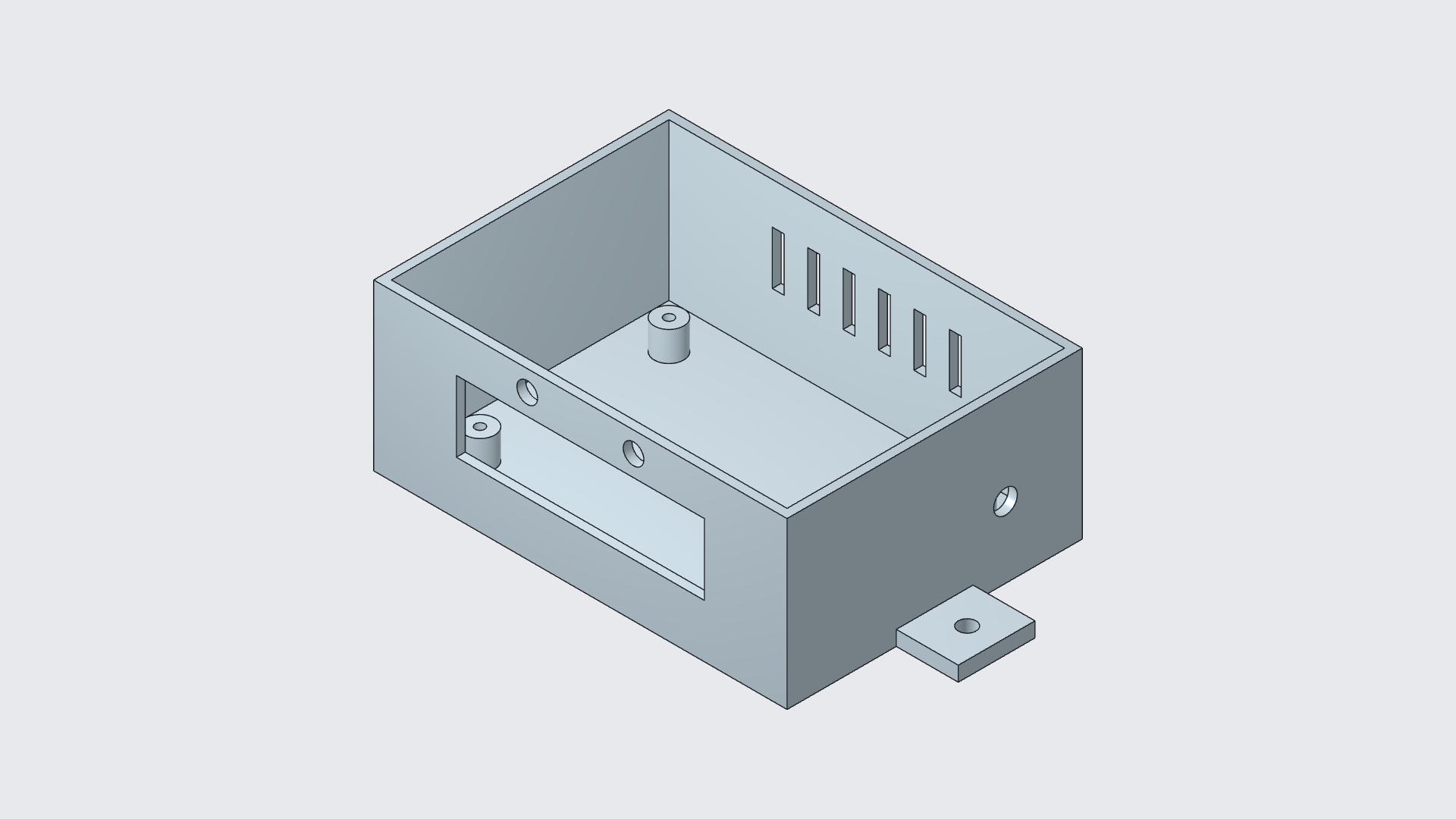
Make room where it matters
The starting point was the Display and button control enclosure template: a box with a front display window, two button holes, internal mounting posts, rear ventilation slots and mounting ears. There was already useful design work here.
The editing goal was simple: widen the window while keeping the rest of the enclosure in place. Scaling the entire box would also change the mounting layout and the button holes. Moving only the window’s two side faces gave us control over the dimension that needed to change.
Try a size. Refine the same edit.
The first pass made the opening 88 mm wide, moving each side outward by 12 mm. We then chose a narrower target of 84 mm. Instead of rebuilding the enclosure, we changed the same added face-offset feature to 10 mm per side. Each edge came inward by 2 mm from the first pass.
Same view and scale at all three stages. The vertical slots visible through the opening are ventilation slots in the rear wall.
| Design stage | Width | Height |
|---|---|---|
| Starting template | 64 mm | 24 mm |
| First adjustment | 88 mm | 24 mm |
| Refined result | 84 mm | 24 mm |
That second adjustment is the useful part. A new target can change one feature of the model you already have. The button holes, mounting details and enclosure body do not have to become a new design project.
Keep the design. Change the requirement.
The workflow has three decisions: choose the faces that should move, define what must stay, then check the result. Here, the template was inserted as a solid and we added an editable face-offset feature. The later adjustment changed that new feature; it did not depend on recovering the template’s original history.
The final 84 × 24 mm opening was checked again after saving and reopening the document. The window’s size changed. The existing design remained the starting point for the next refinement.
For another example of preserving dimensions during a local edit, see extending a coupling without resizing its bores. You can also follow one mounting hole through two diameter adjustments.